Security group
A security group is a community of interest within a SureDrop instance.
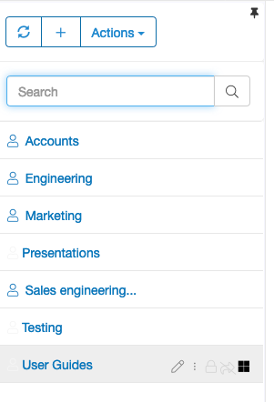
Security groups are shown on the left-hand side of the web GUI. Security groups contain members and only members of the group can see the files in a security group.
Within a security group you can store files and have many levels of folders and sub-folders. Each security group uses a unique group key as the root of trust to encrypt the stored files.
Files can be cut, copied and pasted in any folder within a security group but not between security groups as they use different root encryption keys.
Standard and Restricted users cannot create new security groups but Power users and above can, once a
group has been created the group owner can add new users to it automatically through the GUI.