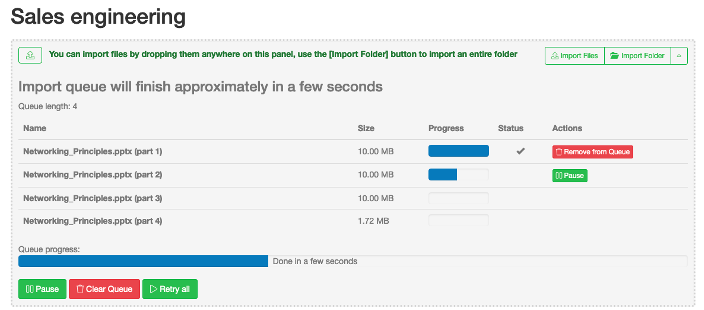
File upload queue
SureDrop breaks uploaded files into small chunks to maximise the upload speed. The chunk size depends on the file size as follows:
File size |
Chunk size |
|---|---|
Greater than 10 MB but less than or equal to 1 GB |
10 MB |
Greater than 1 GB but less than or equal to 10 GB |
100 MB |
Greater than 10 GB |
500 MB |
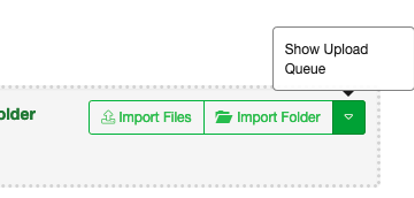
During the file upload the upload queue is normally hidden but can be viewed by clicking on the “Show Upload Queue” button.
In the unlikely event that a file chunk fails to upload the action button allows you to pause/restart or remove the chunk from the queue: