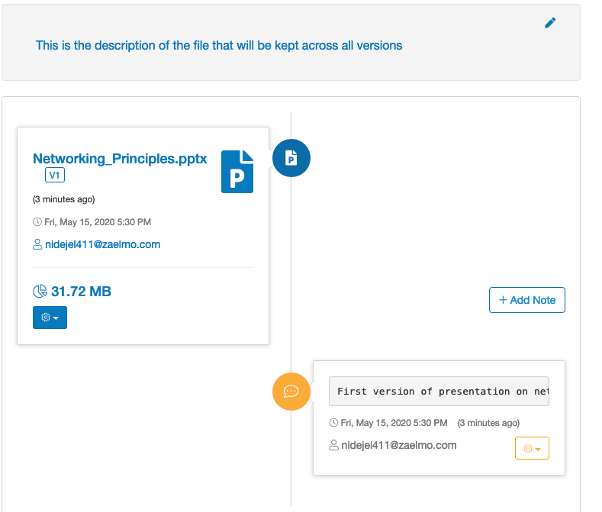
File note
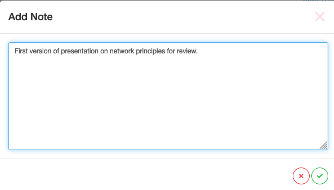
A text note can be added to any file using the Add Note button next to each file:

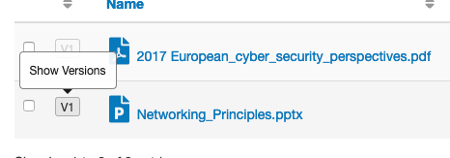
File notes are shown on the file information screen which is accessible from the
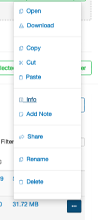
Show Versions button next to each file or from the Info menu item accessible
from the ellipsis at the end of each filename.
Tip
File notes are associated with a particular file version, more than one note can be created for each version and a description of the file for all version can also be created.