Update company init settings
As of 2.7.8-final it is possible to update the REST and Portal
locations from the web interface.
This is required when changing the IP address of the SureDrop server or changing the DNS name.
To update these details log into SureDrop as an administrator and browse to the Admin page and select the Company Init Settings option.
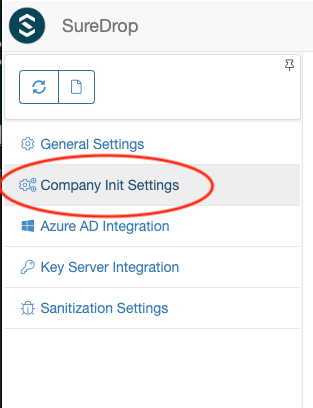
This will display the following dialog.
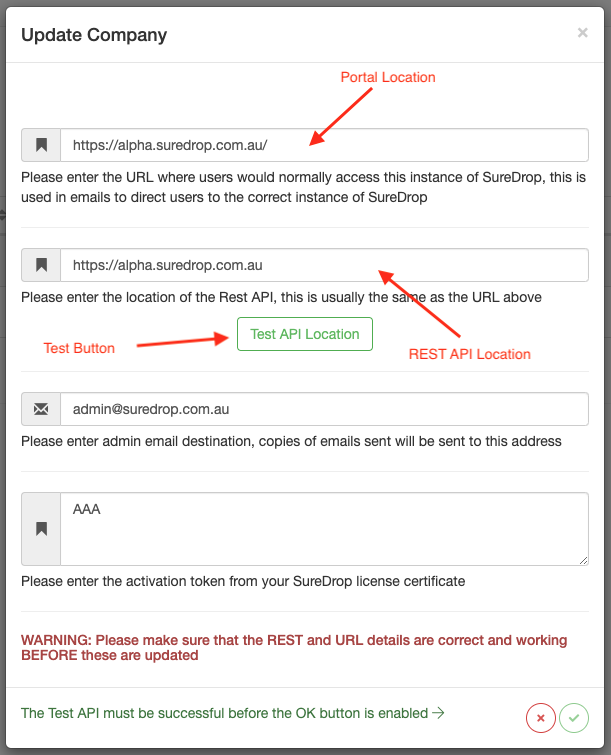
The Portal and REST API locations are shown.
When entering the REST API specifically, you are required to validate the API location prior to the OK button being enabled by clicking on the Test Button.
Important
Please log out then log back in again at the new portal location for the changes to take effect.